
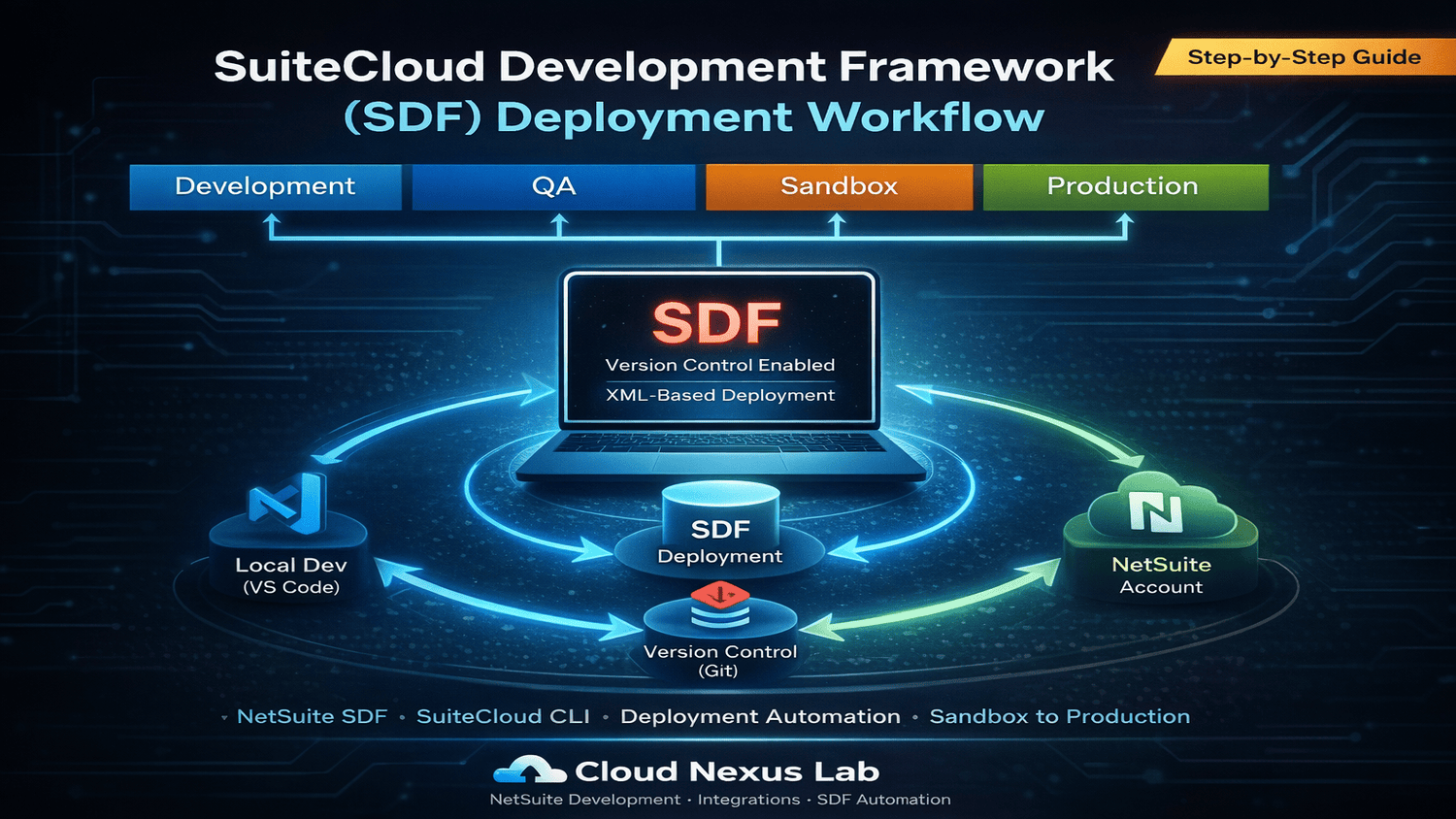
Purpose
This document provides a step-by-step guide to:
• Set up the SuiteCloud Development Framework (SDF)
• Connect Visual Studio Code (VS Code) with NetSuite
• Deploy a custom record using SDF
Prerequisites
• Visual Studio Code (VS Code)
• Node.js
• Java JDK (Version 8 or above)
• NetSuite account access
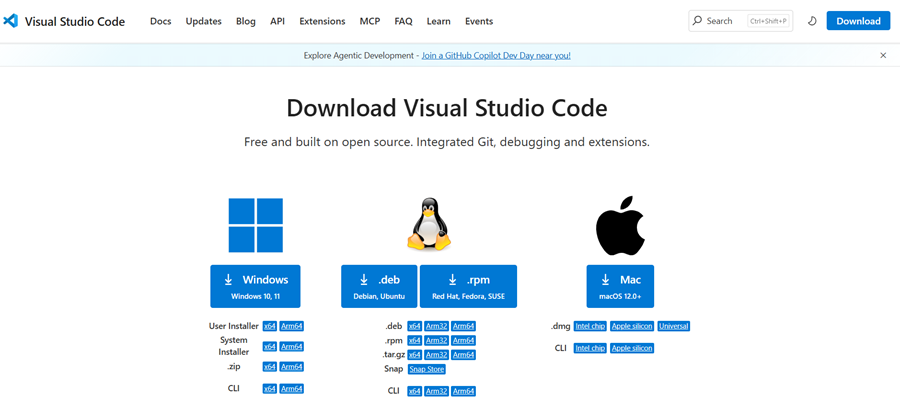
Step 1: Install Visual Studio Code
• Download VS Code from: https://code.visualstudio.com/download
• Install according to your OS
• Follow installation steps
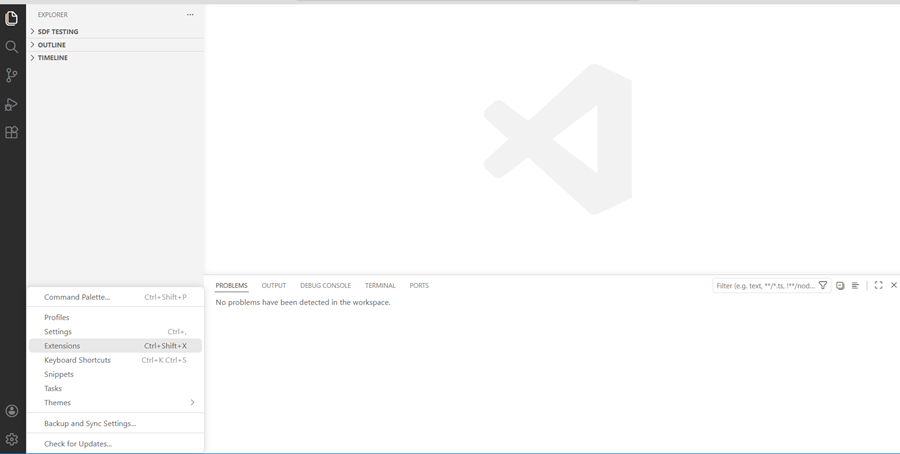
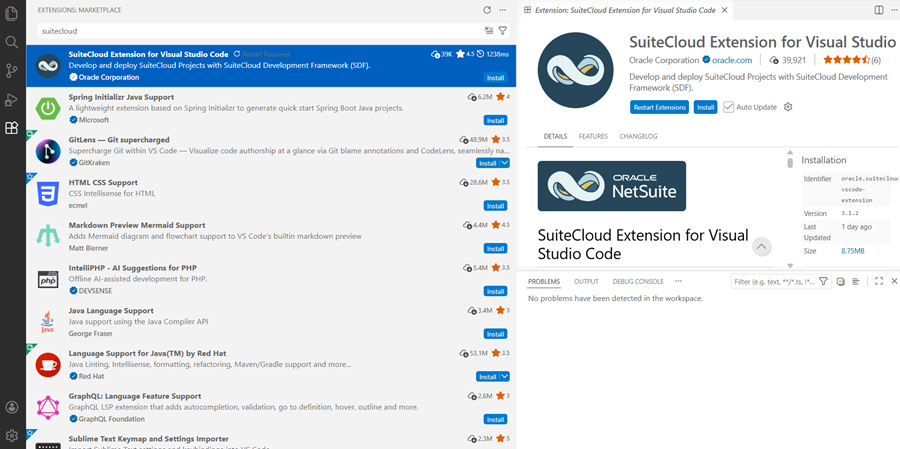
Step 2: Install SuiteCloud Extension
• Open VS Code
• Go to Extensions
• Search: SuiteCloud Extension
• Click Install
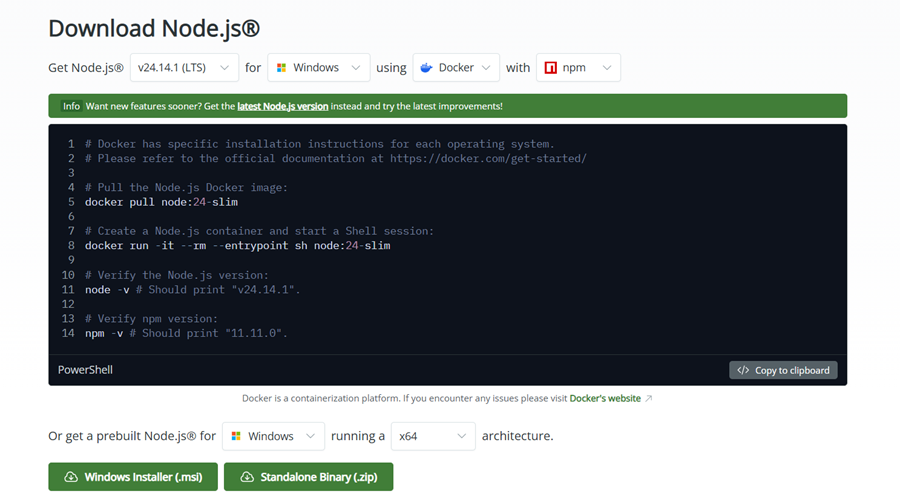
Step 3: Install Node.js
• Download from: https://nodejs.org/en/download
• Install based on your OS
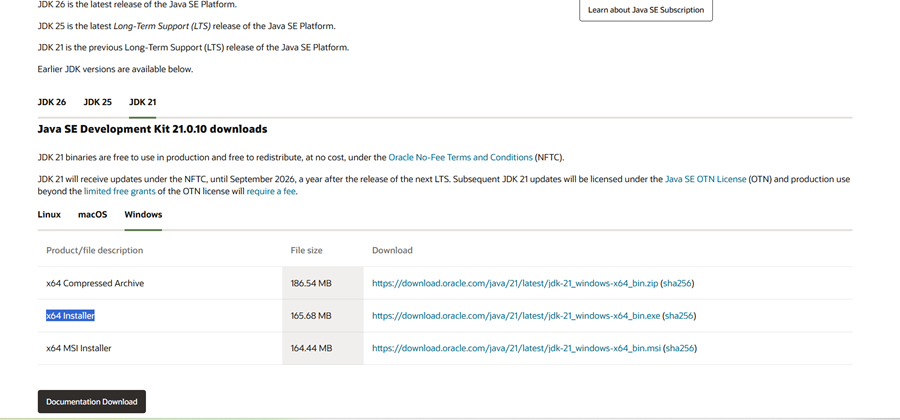
4: Install Java JDK
• Download from: https://www.oracle.com/java/technologies/downloads/
• Select latest JDK (e.g., JDK 21)
• Install x64 version
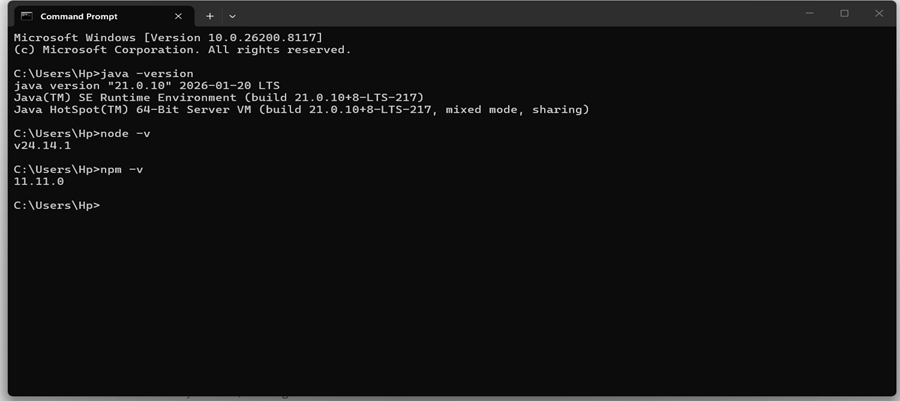
Step 5: Verify Installation
• Open CMD or VS Code terminal
• Run:
– java -version
– node -version
• If not working:
– Set Environment Variables
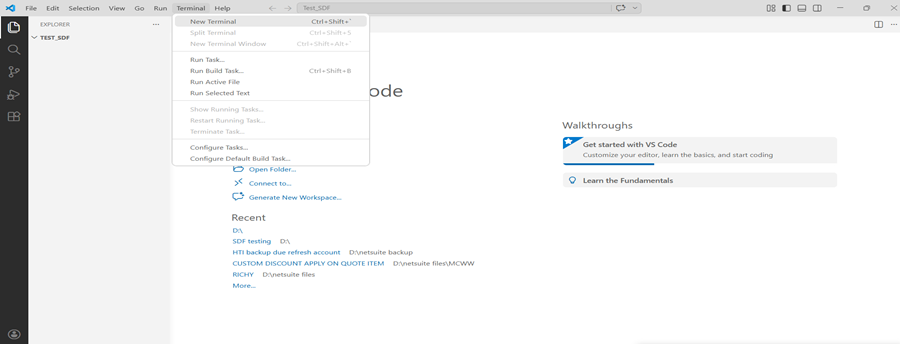
Step 6: Create SDF Project
• Open VS Code
• Open terminal
-
- Run command : npm install -g @oracle/suitecloud-cli
-
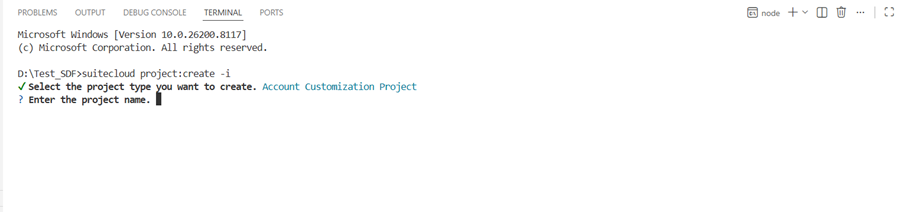
- Run command: suitecloud project:create -i
-
- Enter project name
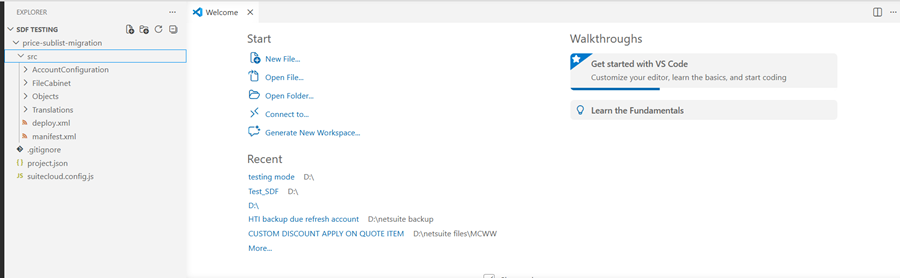
Project is ready
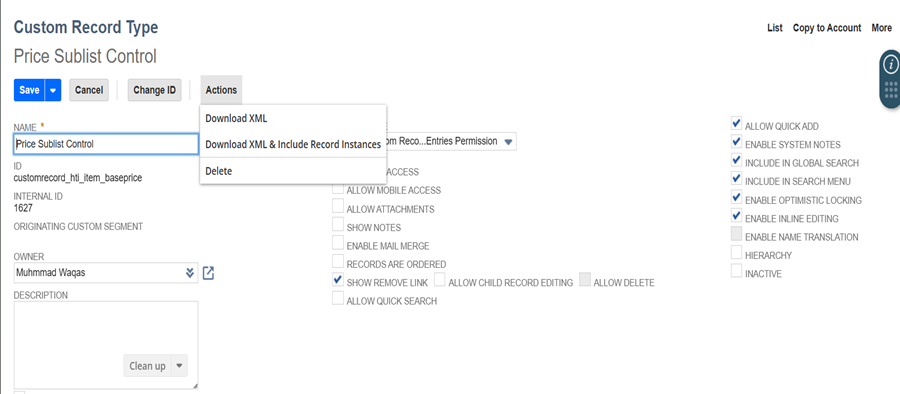
Step 7: Download Custom Record XML
• Go to NetSuite
• Navigate: Customizations → Record Types
• Open record
• Click Download XML
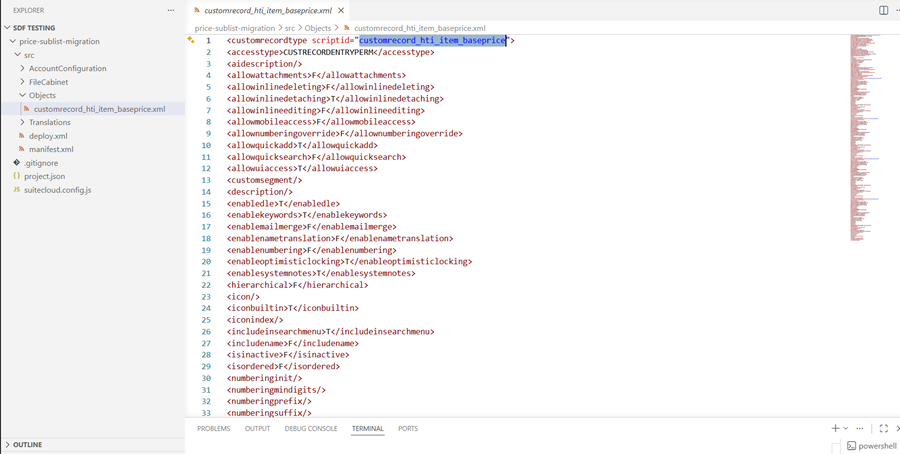
Step 8: Add XML to Project
• Go to Objects folder
• Create file with Script ID name
• Paste XML file
Step 9: Connect to NetSuite
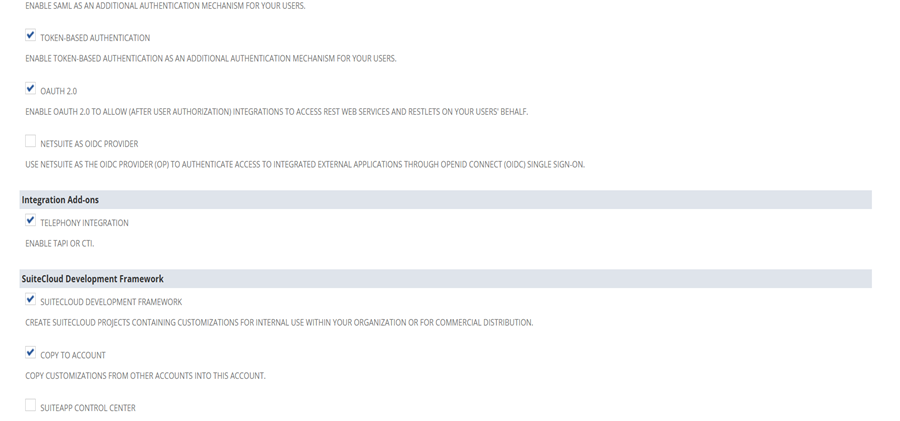
• Enable in NetSuite:
– Token-Based Authentication
– SuiteCloud Development Framework
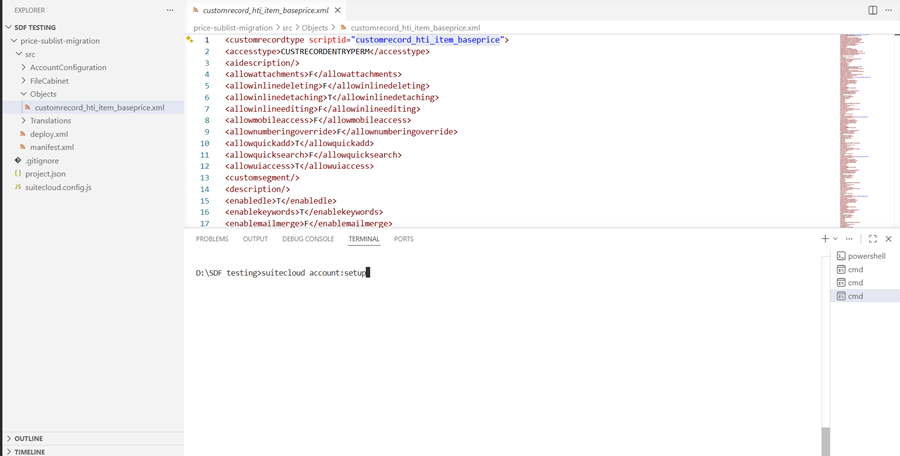
• Run command: suitecloud account:setup
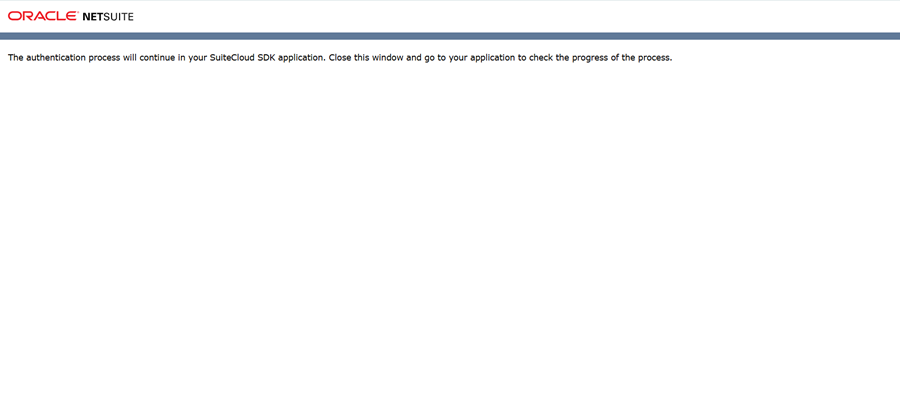
• automatically move on default browser then put NetSuite login credentials (successfully connected)
When connect see like as.
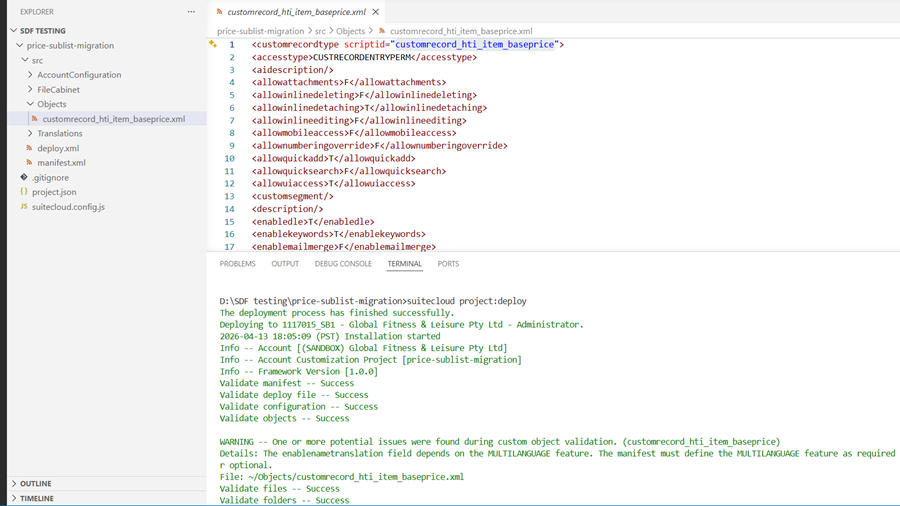
Step 10: Deploy Project
• Run: SuiteCloud Deploy: Project
Step 11: Verify Deployment
• Go to NetSuite
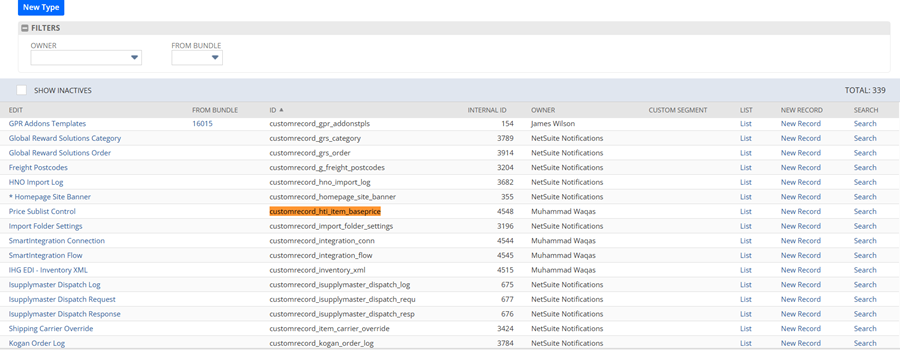
• Navigate: Customization -> Lists, Records & Fields -> Record Types
• Confirm record is created
Summary
• Installed required tools
• Set up SuiteCloud Extension
• Created SDF project
• Added XML file
• Connected to NetSuite
• Successfully deployed custom record